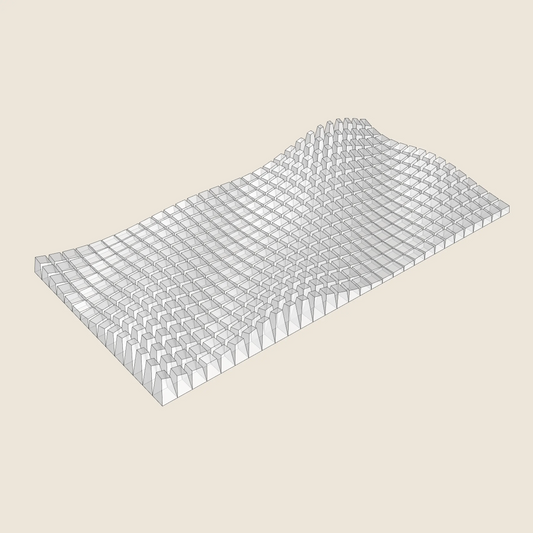
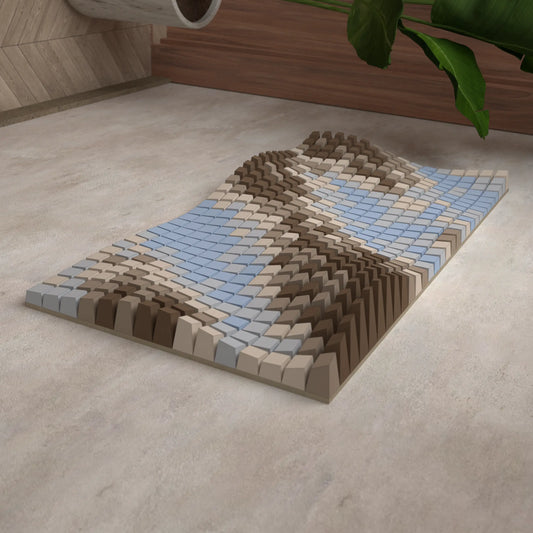
Lunar Calendar
SKU:015_001
3D Model for 3D printing (.stl, .step, .dwg)
DEFAULT SIZE:
1444mm ✖ 722 mm
NUMBER OF BLOCKS:
59
MATERIAL ESTIMATES:
3,6 kg
Couldn't load pickup availability
Description
Description
The Lunar Calendar has been updated to a universal model, designed to remain relevant and never become obsolete from year to year. The Moon's phases repeat approximately every 29.5 days, so alternating cycles of 29 and 30 days are used to represent this rhythm.
The Lunar Calendar includes models for two cycle sets: a 29-day cycle and a 30-day cycle. Each cycle always starts with the FULL MOON block and ends just before the next full moon. You can assemble your own cycles and reuse them every year.
Each block represents a specific moon phase for a particular day, creating a 3D-printable wall art calendar that is both decorative and functional.
Example (Year 2026)
In 2026, full moons occur on January 3, February 1, and March 3.
- From January 3 to January 31, the lunar cycle lasts 29 days.
- From February 1 to March 3, the lunar cycle lasts 30 days (February has 28 days this year).
How to Use the Model
3 Jan = 29 DAYS CYCLE_BLOCK_01 – FULL MOON.stl
4 Jan = 29 DAYS CYCLE_BLOCK_02.stl
5 Jan = 29 DAYS CYCLE_BLOCK_03.stl
…
29 Jan = 29 DAYS CYCLE_BLOCK_27.stl
30 Jan = 29 DAYS CYCLE_BLOCK_28.stl
31 Jan = 29 DAYS CYCLE_BLOCK_29.stl
1 Feb = 30 DAYS CYCLE_BLOCK_01 – FULL MOON.stl
2 Feb = 30 DAYS CYCLE_BLOCK_02.stl
3 Feb = 30 DAYS CYCLE_BLOCK_03.stl
…
26 Feb = 30 DAYS CYCLE_BLOCK_26.stl
27 Feb = 30 DAYS CYCLE_BLOCK_27.stl
28 Feb = 30 DAYS CYCLE_BLOCK_28.stl
1 Mar = 30 DAYS CYCLE_BLOCK_29.stl
2 Mar = 30 DAYS CYCLE_BLOCK_30.stl
3 Mar = 29 DAYS CYCLE_BLOCK_01 – FULL MOON.stl
Full Moon Dates for 2026
January 3 · February 1 · March 3 · April 2 · May 1 · May 31 · June 29 · July 29 · August 28 · September 26 · October 26 · November 24 · December 24
Shipping
Shipping

See designs from this collection
-
3D Model
For 3D PrintingSTL • STEP • DWG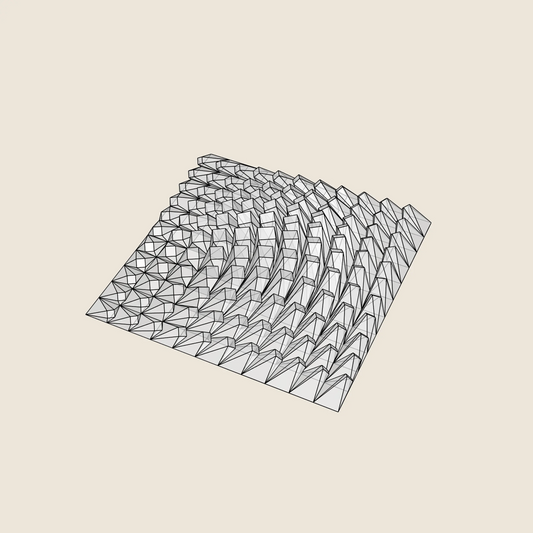
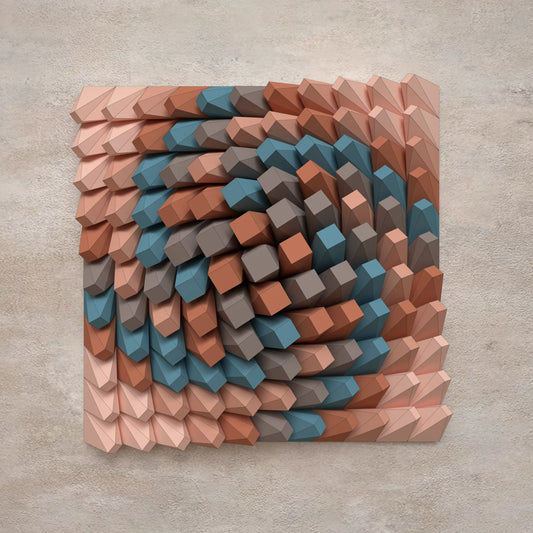
Twisted Box 01
Regular price $9.46 USDRegular priceUnit price per -
3D Model
For 3D PrintingSTL • STEP • DWG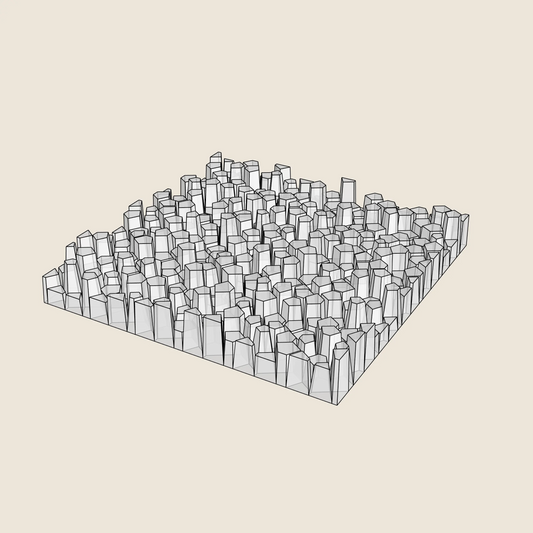
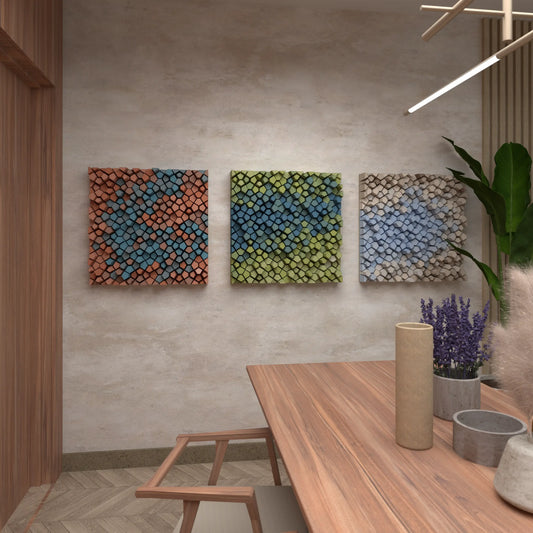
Random Pentagons (3x Colour Versions)
Regular price $9.46 USDRegular priceUnit price per -
3D Model
For 3D PrintingSTL • STEP • DWG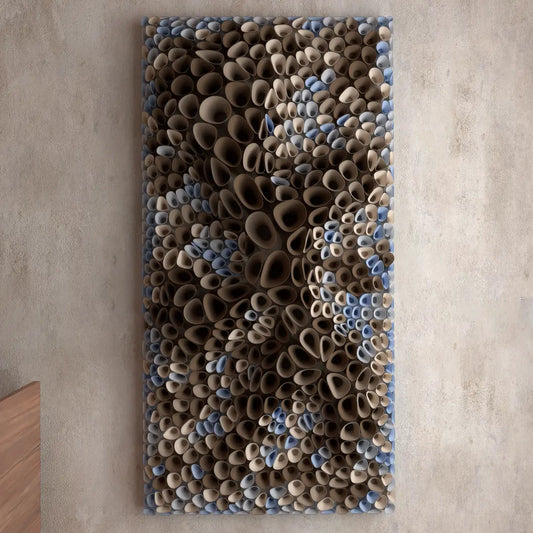
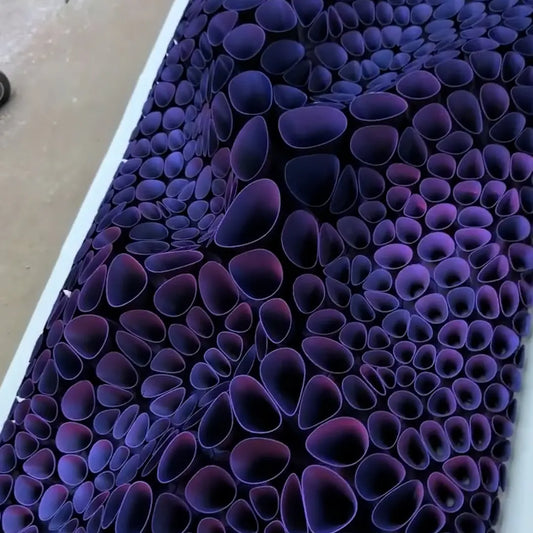
Coral Sponge 01
Regular price $18.94 USDRegular priceUnit price per -
3D Model
For 3D PrintingSTL • STEP • DWG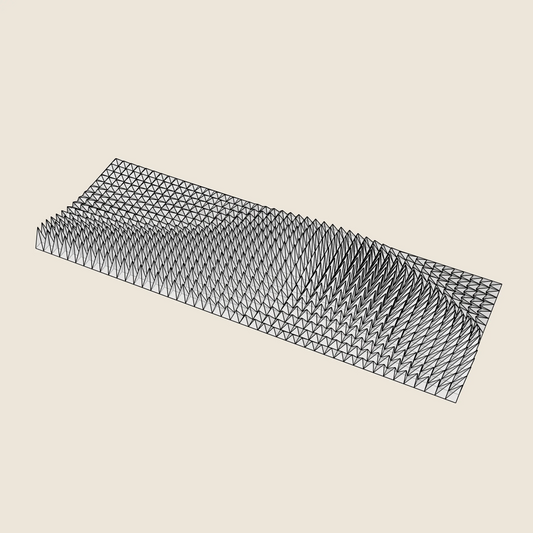
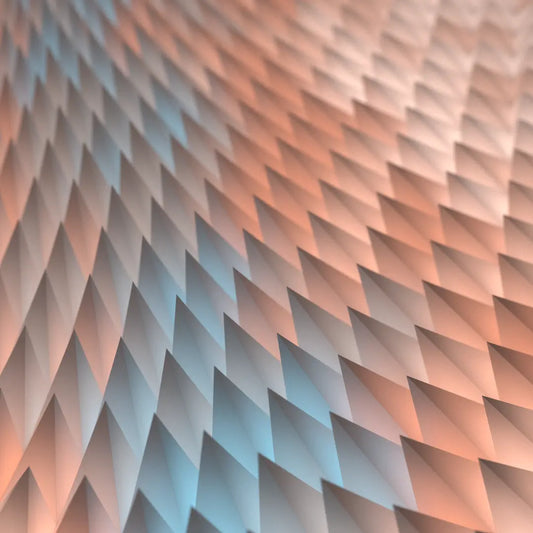
Triangle Wave
Regular price $17.05 USDRegular priceUnit price per -
3D Model
For 3D PrintingSTL • STEP • DWG
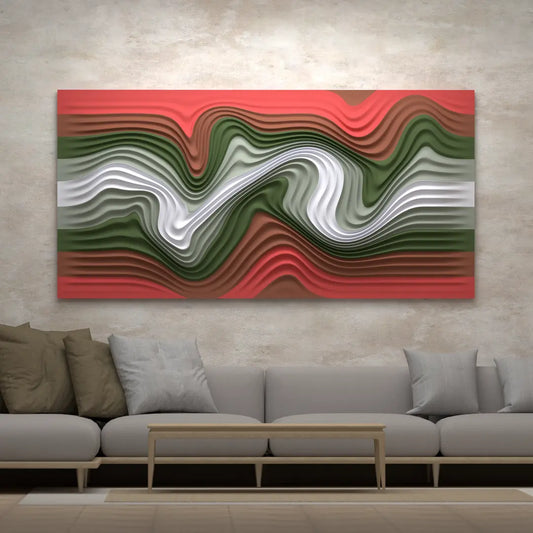
Floating Fumes
Regular price $14.21 USDRegular priceUnit price per -
3D Model
For 3D PrintingSTL • STEP • DWG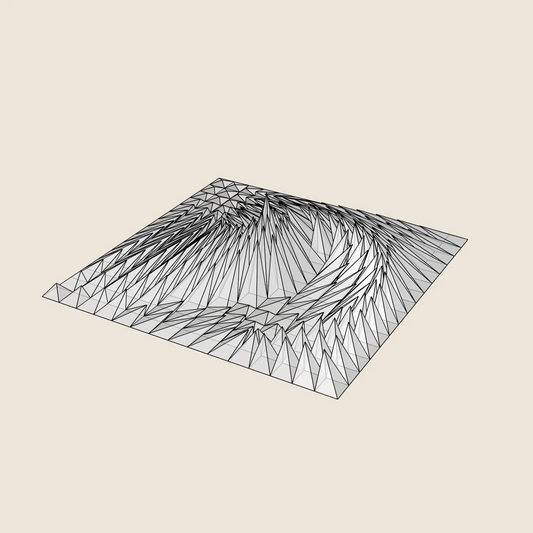
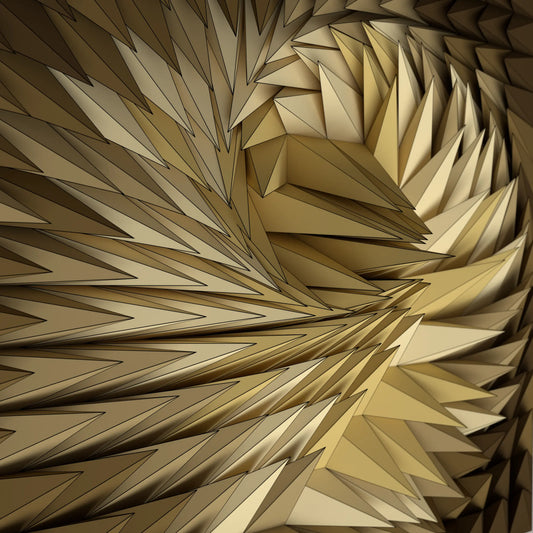
Whirl Peak
Regular price $9.46 USDRegular priceUnit price per -
3D Model
For 3D PrintingSTL • STEP • DWG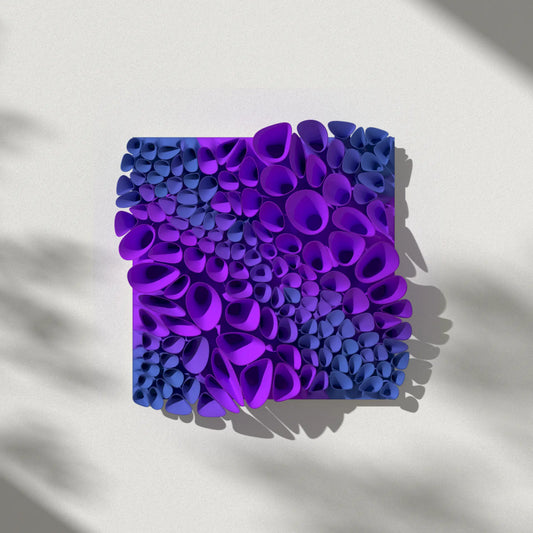
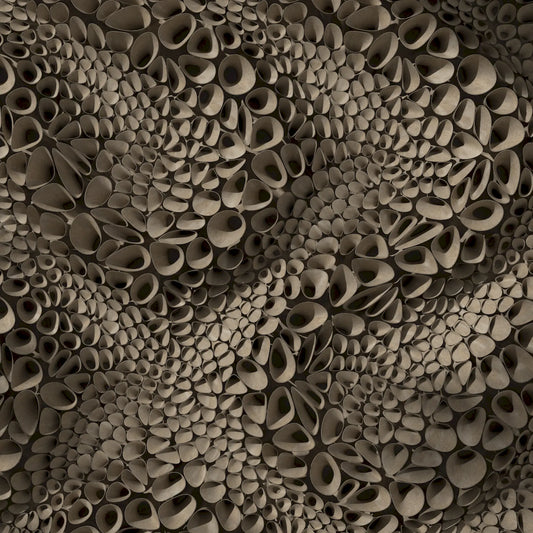
Coral Sponge 03 (tileable)
Regular price $14.21 USDRegular priceUnit price per -
3D Model
For 3D PrintingSTL • STEP • DWG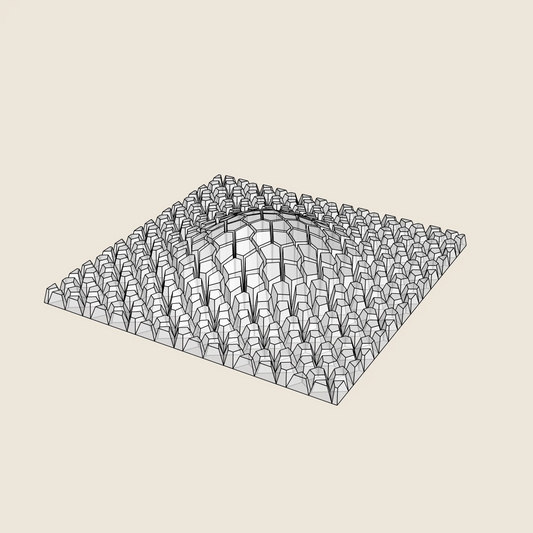
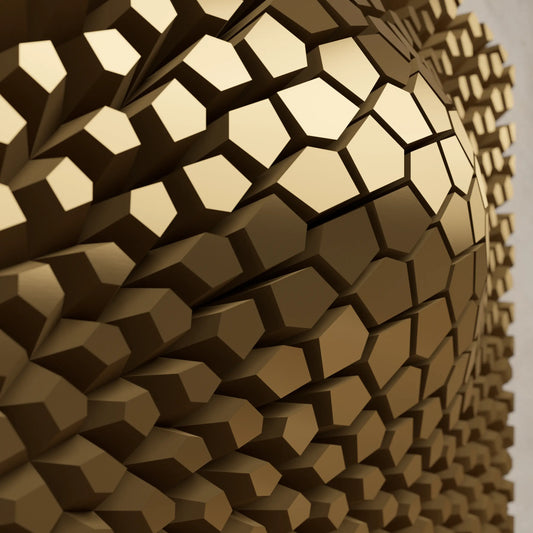
Cracked Bulge
Regular price $9.46 USDRegular priceUnit price per -
3D Model
For 3D PrintingSTL • STEP • DWG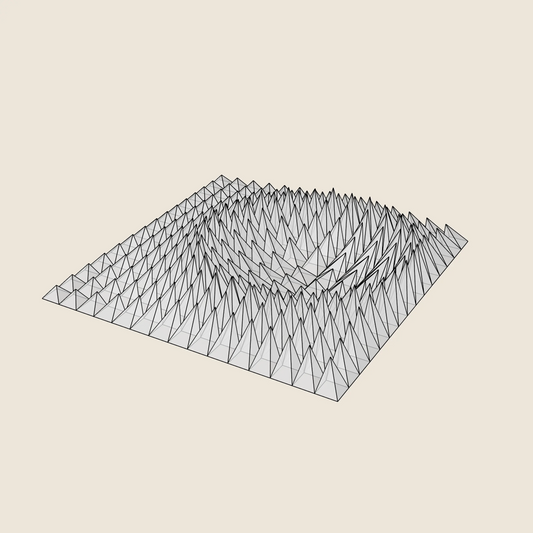
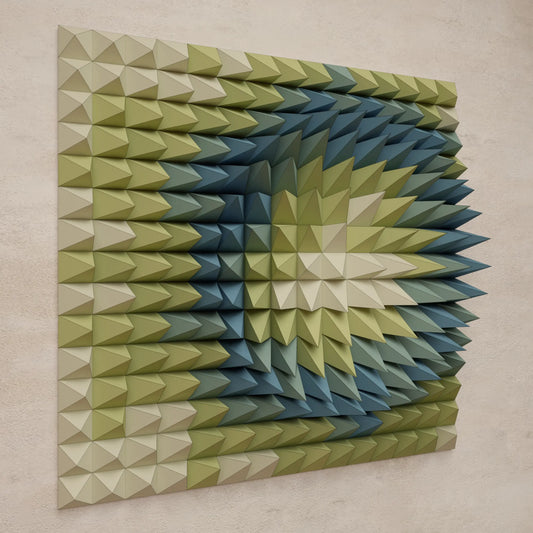
Crater Ring
Regular price $9.46 USDRegular priceUnit price per