HOW MUCH MATERIAL IS NEEDED FOR 3D PRINTING


-
3D Model
For 3D PrintingSTL • STEP • DWG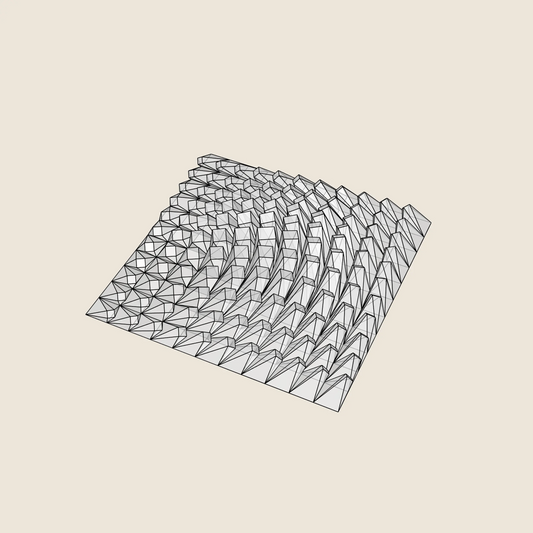
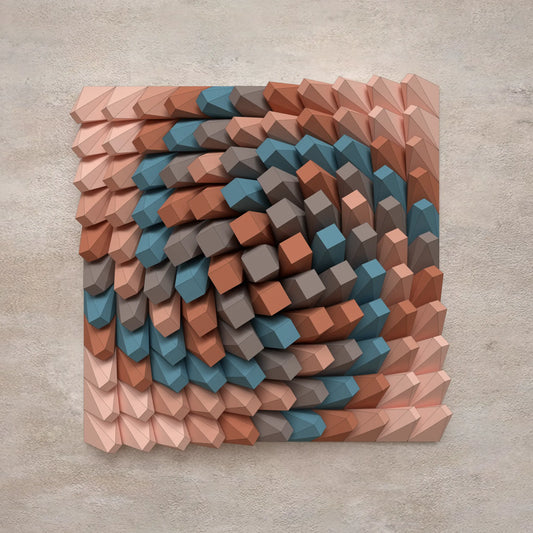
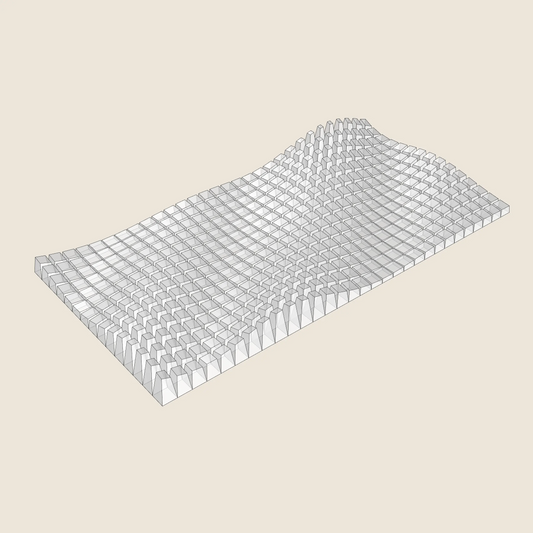
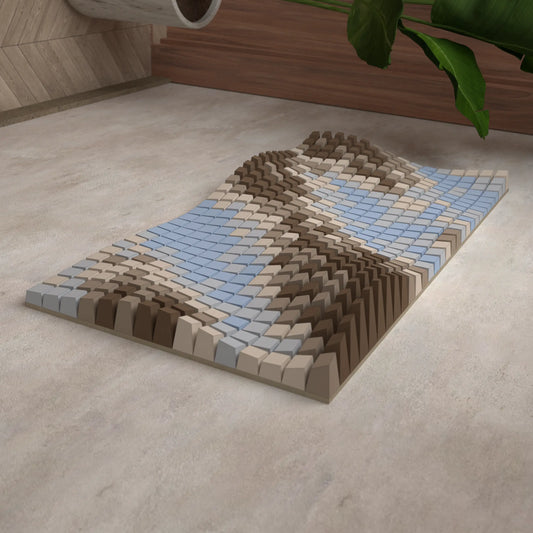
Twisted Box 01
Regular price $9.48 USDRegular priceUnit price per -
3D Model
For 3D PrintingSTL • STEP • DWG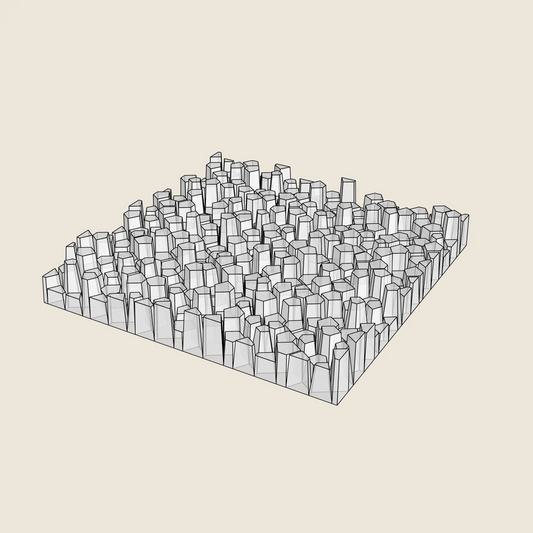
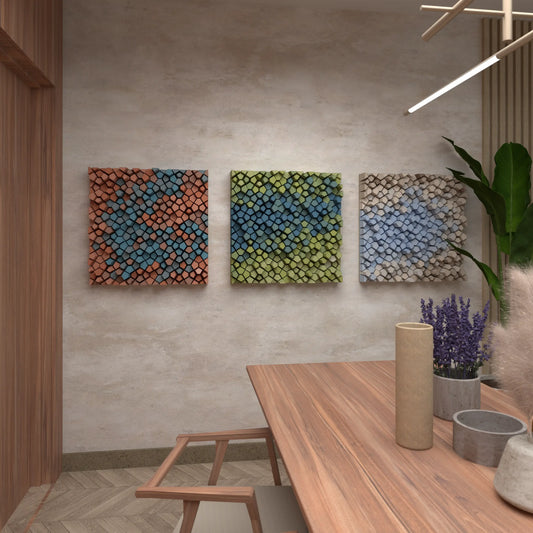
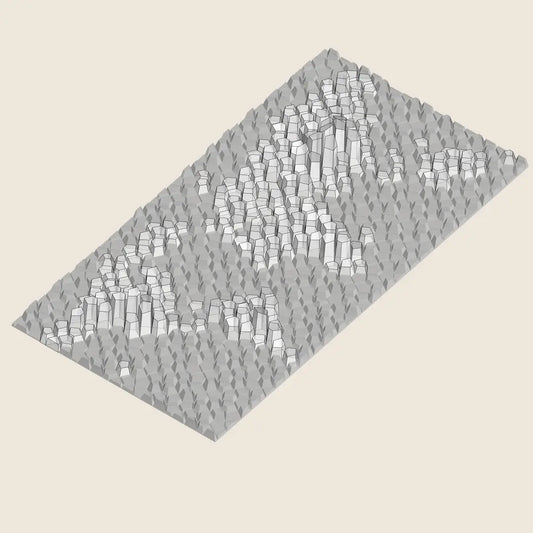
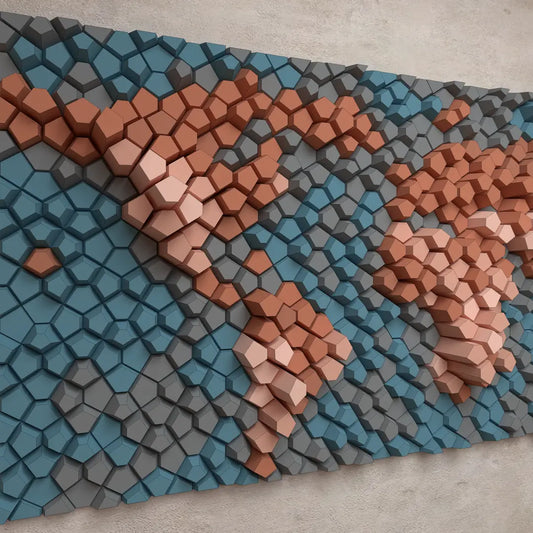
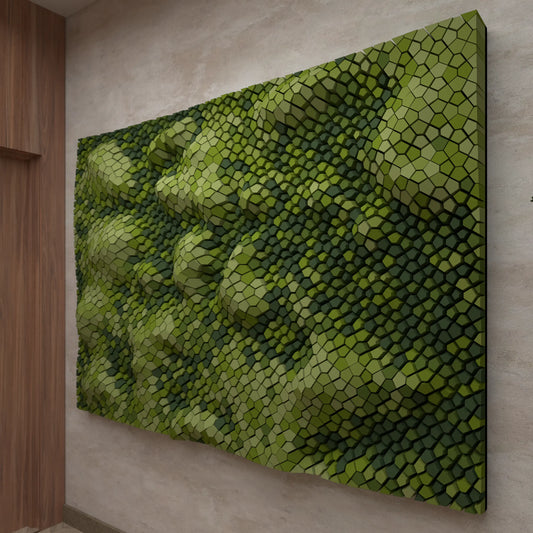
Random Pentagons (3x Colour Versions)
Regular price $9.48 USDRegular priceUnit price per -
3D Model
For 3D PrintingSTL • STEP • DWG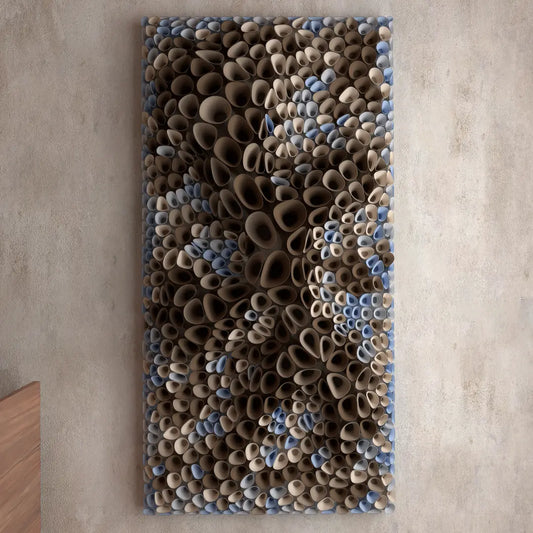
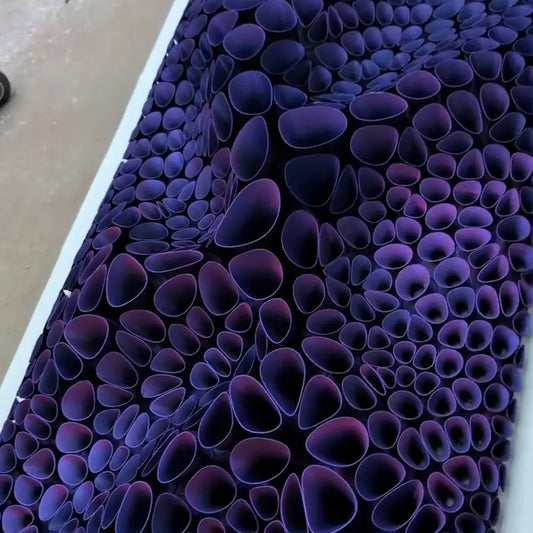
Coral Sponge 01
Regular price $18.97 USDRegular priceUnit price per -
3D Model
For 3D PrintingSTL • STEP • DWG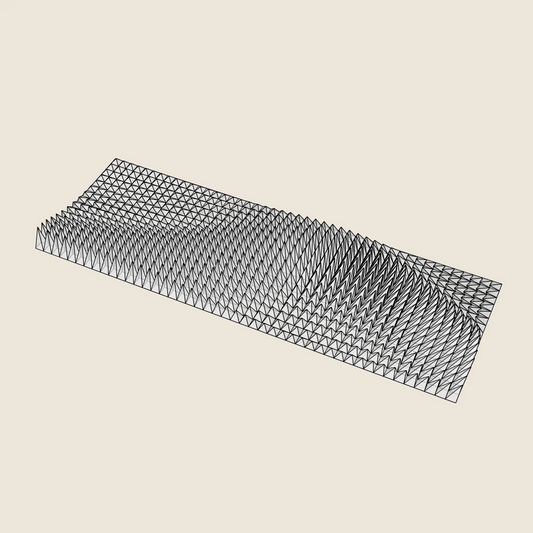

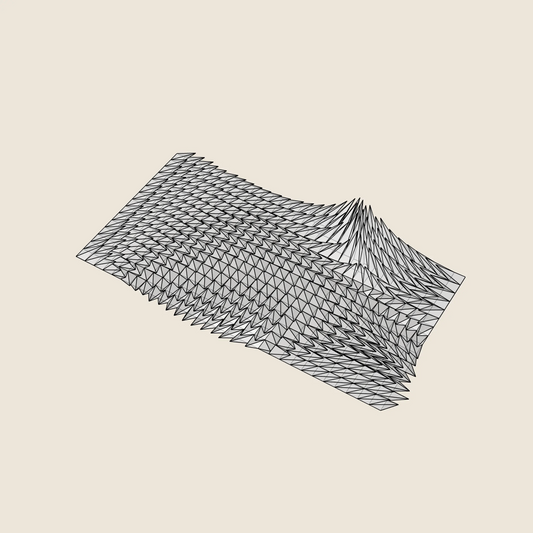
Triangle Wave
Regular price $17.07 USDRegular priceUnit price per -
3D Model
For 3D PrintingSTL • STEP • DWG
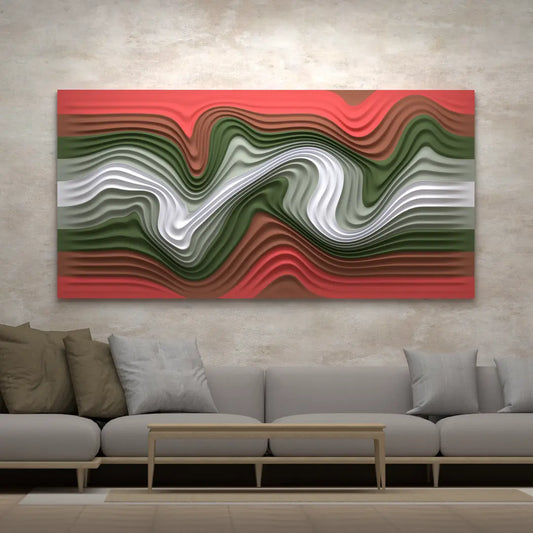
Floating Fumes
Regular price $14.23 USDRegular priceUnit price per -
3D Model
For 3D PrintingSTL • STEP • DWG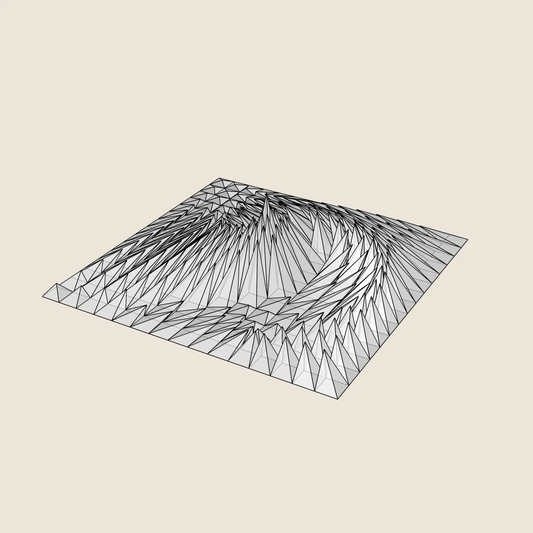
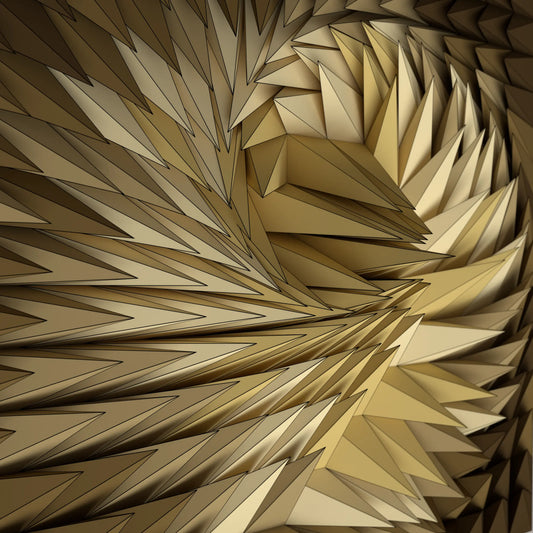
Whirl Peak
Regular price $9.48 USDRegular priceUnit price per -
3D Model
For 3D PrintingSTL • STEP • DWG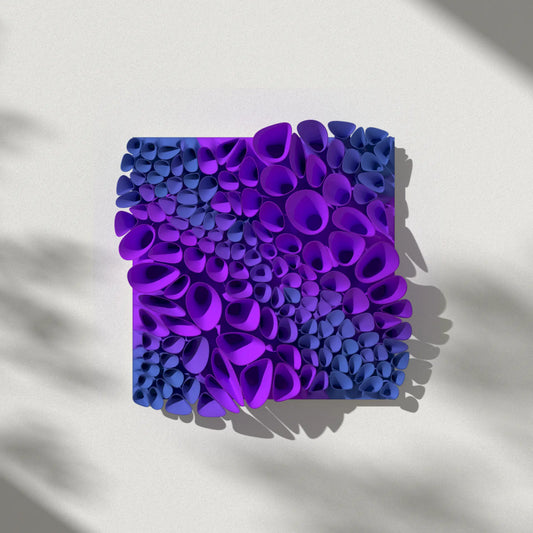

Coral Sponge 03 (tileable)
Regular price $14.23 USDRegular priceUnit price per -
3D Model
For 3D PrintingSTL • STEP • DWG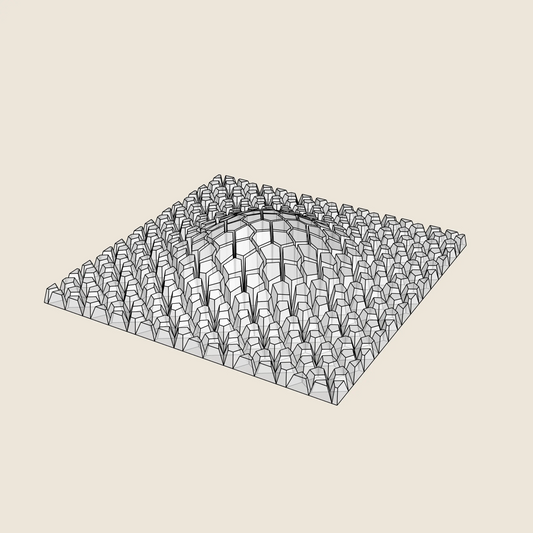

Cracked Bulge
Regular price $9.48 USDRegular priceUnit price per -
3D Model
For 3D PrintingSTL • STEP • DWG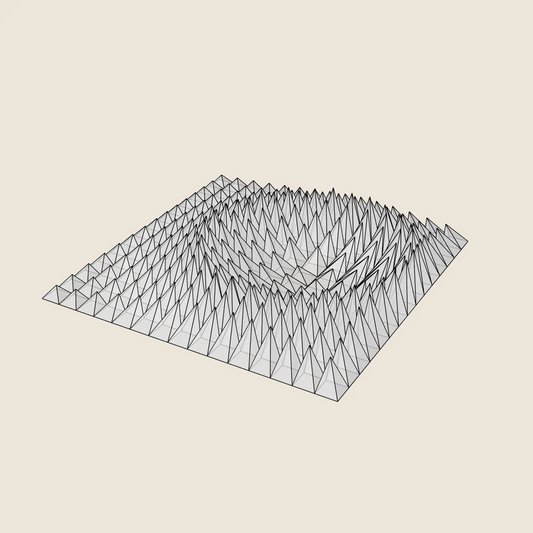
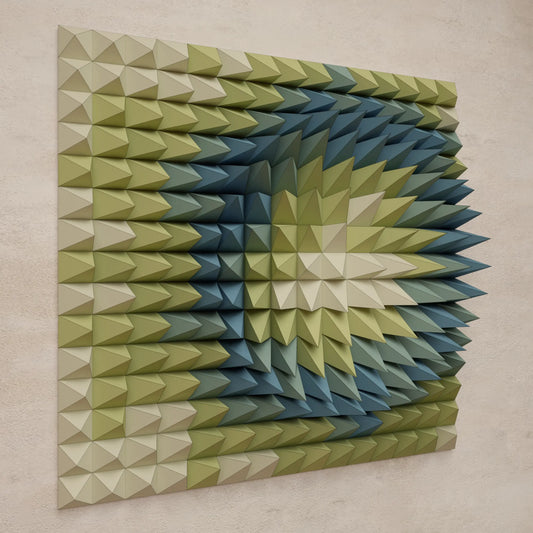
Crater Ring
Regular price $9.48 USDRegular priceUnit price per -
3D Model
For 3D PrintingSTL • STEP • DWG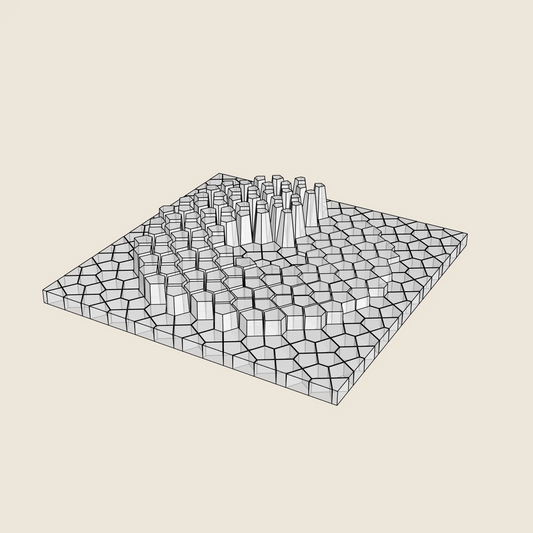
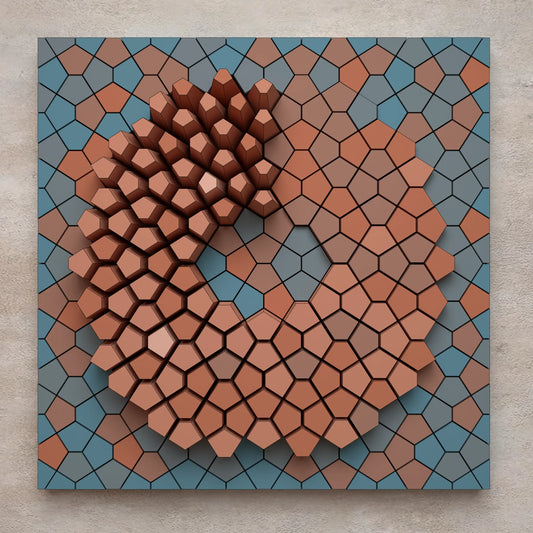 Sale
Spiral Ramp
Regular price $6.64 USDRegular priceUnit price per$9.48 USDSale price $6.64 USDSale -
3D Model
For 3D PrintingSTL • STEP • DWG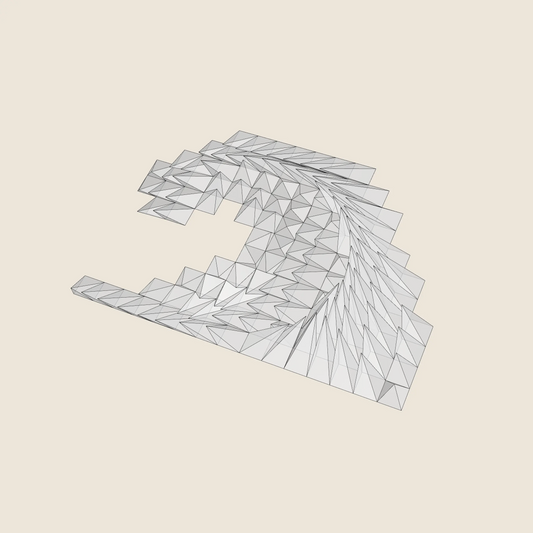
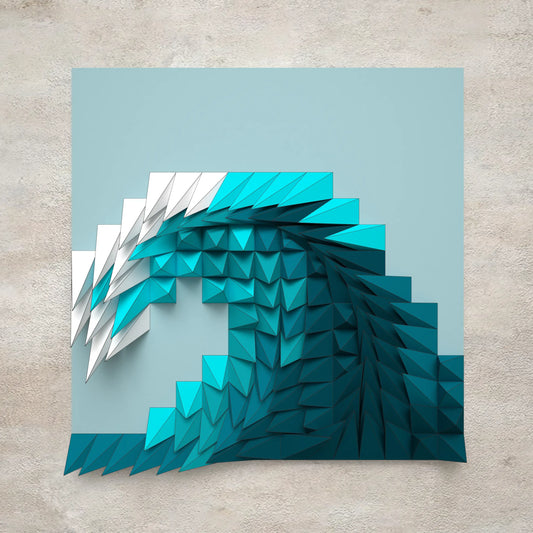 Sale
Plunging Wave
Regular price $4.74 USDRegular priceUnit price per$9.48 USDSale price $4.74 USDSale -
3D Model
For 3D PrintingSTL • STEP • DWG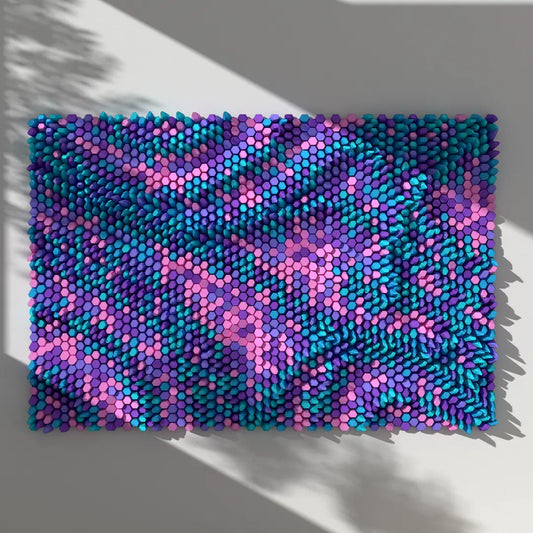
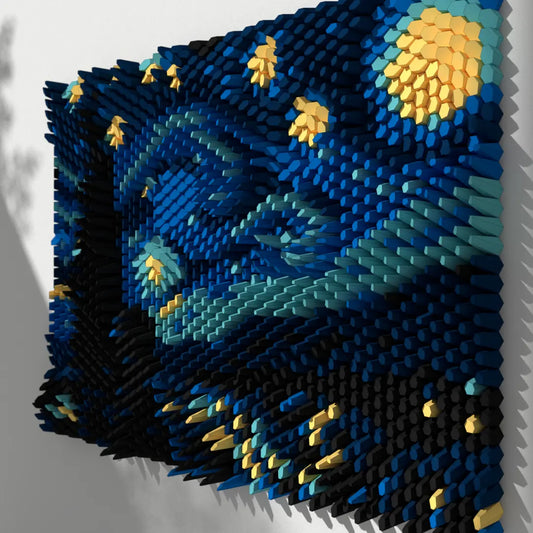
Mosaic (10 Blocks / 25 Layouts)
Regular price $20.86 USDRegular priceUnit price per -
3D Model
For 3D PrintingSTL • STEP • DWG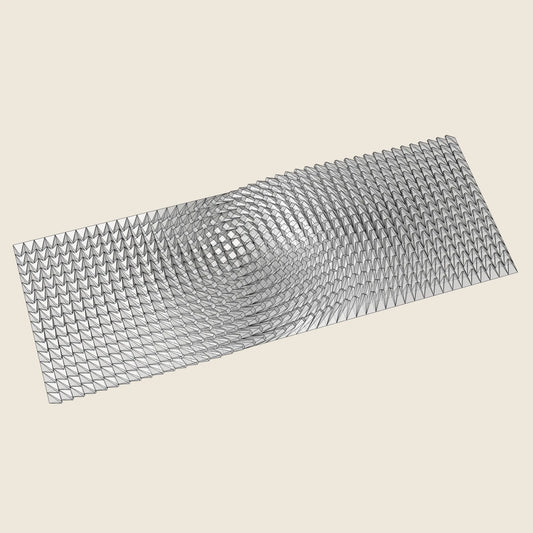
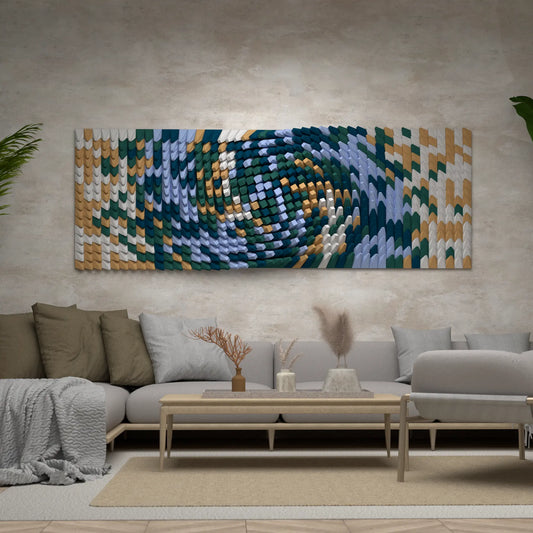
Twisted Box 03
Regular price $14.23 USDRegular priceUnit price per -
3D Model
For 3D PrintingSTL • STEP • DWG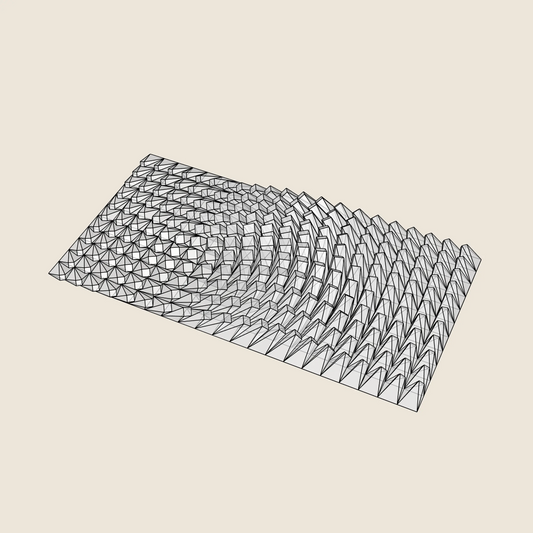

Twisted Box 02
Regular price $11.85 USDRegular priceUnit price per -
3D Model
For 3D PrintingSTL • STEP • DWG

Whipping Cream
Regular price $14.23 USDRegular priceUnit price per -
3D Model
For 3D PrintingSTL • STEP • DWG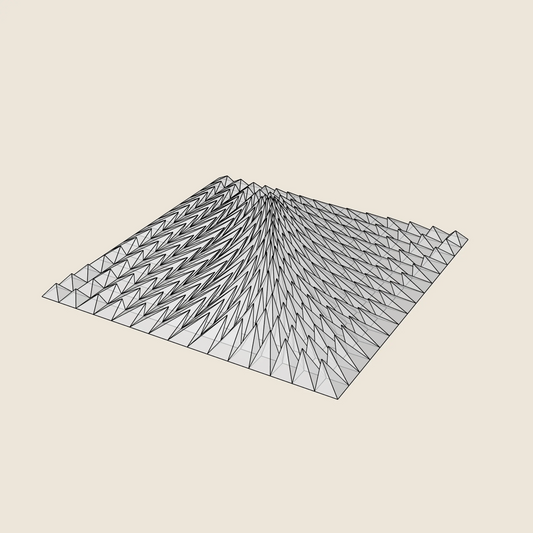
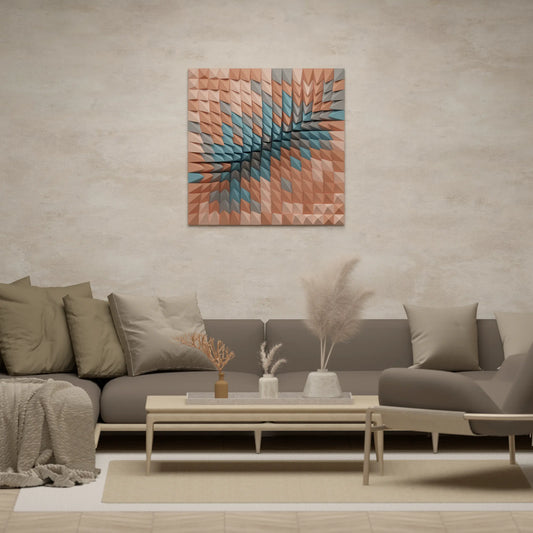
Tectonic Collision
Regular price $9.48 USDRegular priceUnit price per -
3D Model
For 3D PrintingSTL • STEP • DWG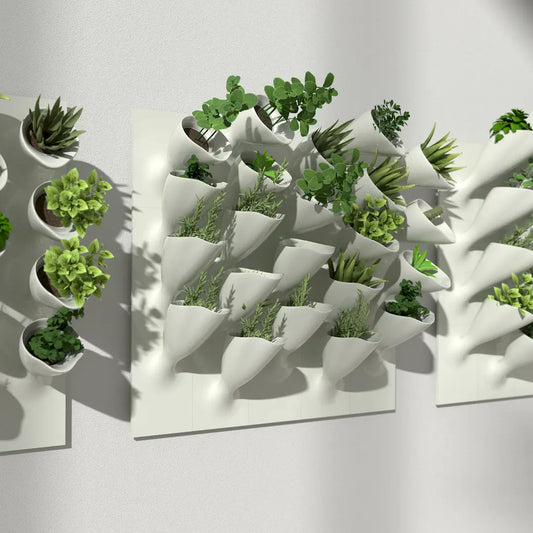
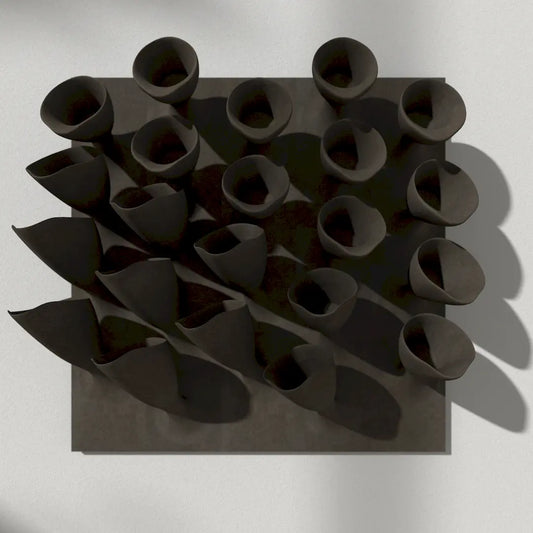
Cornets de Fleur 02 (3× 22 blocks)
Regular price $11.38 USDRegular priceUnit price per -
3D Model
For 3D PrintingSTL • STEP • DWG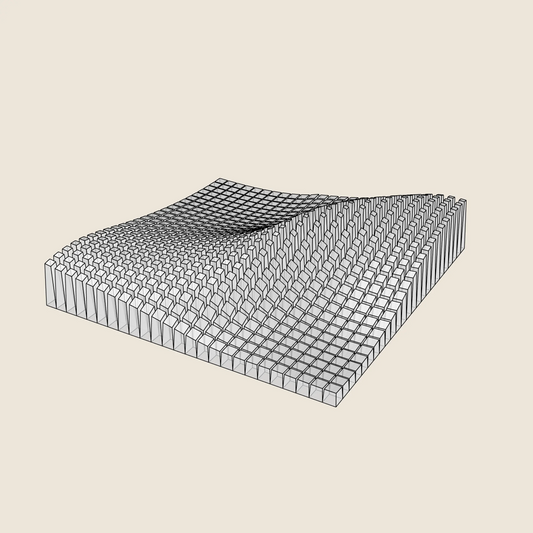
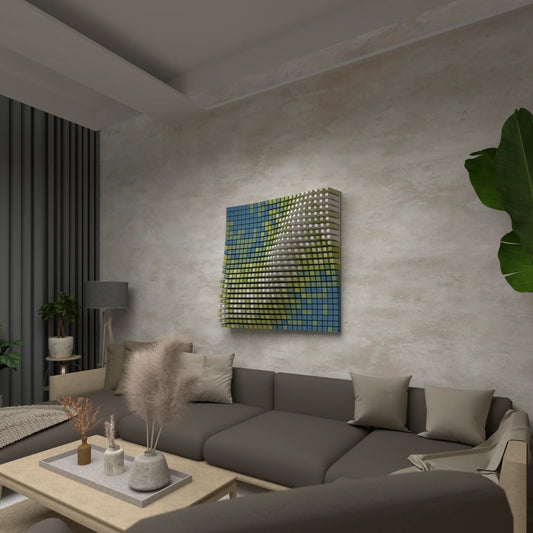 Sale
Diagonal Wave
Regular price $11.38 USDRegular priceUnit price per$14.23 USDSale price $11.38 USDSale -
3D Model
For 3D PrintingSTL • STEP • DWG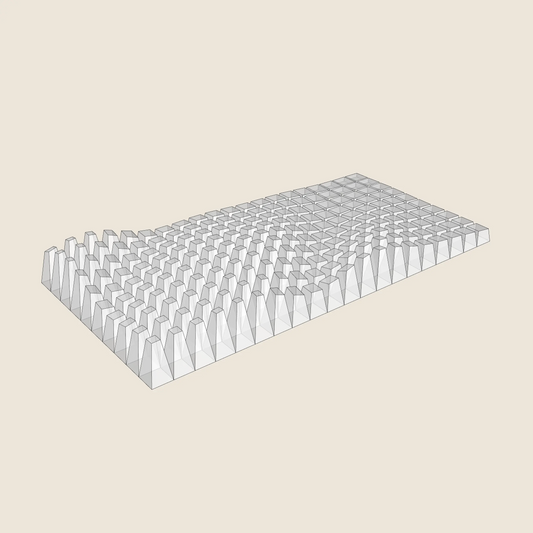
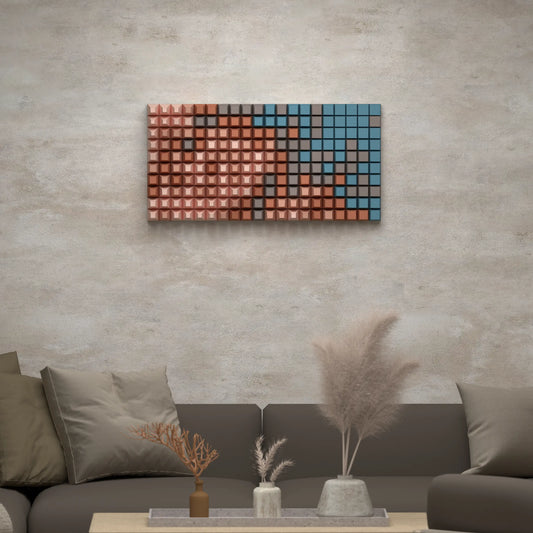 Sale
-
3D Model
For 3D PrintingSTL • STEP • DWG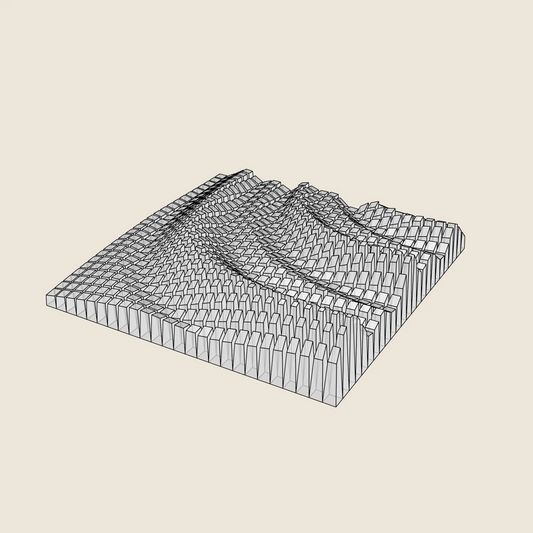
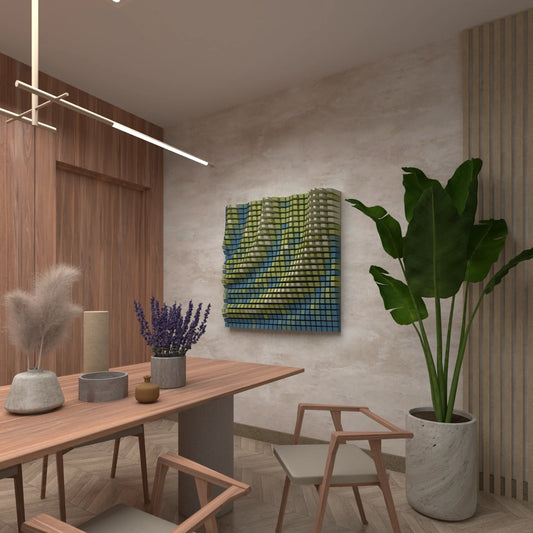
Quarter Circle Waves
Regular price $14.23 USDRegular priceUnit price per -
3D Model
For 3D PrintingSTL • STEP • DWG
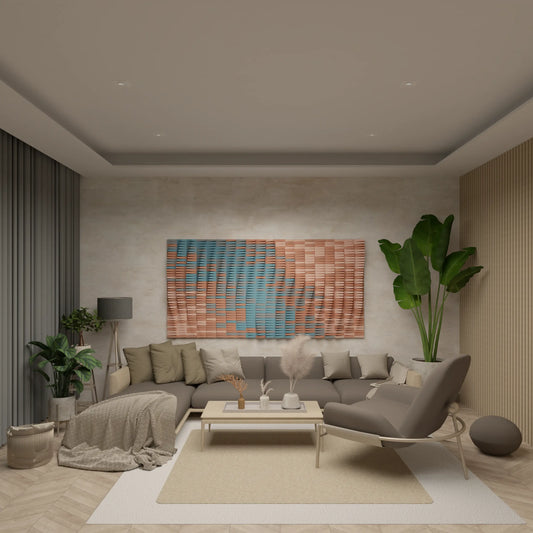
Paper Waves
Regular price $14.23 USDRegular priceUnit price per