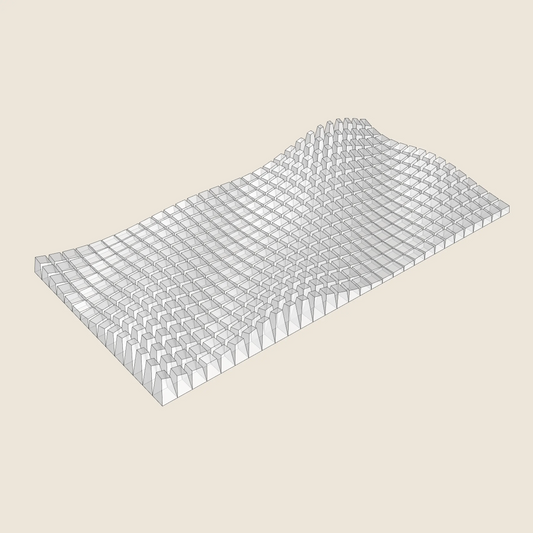
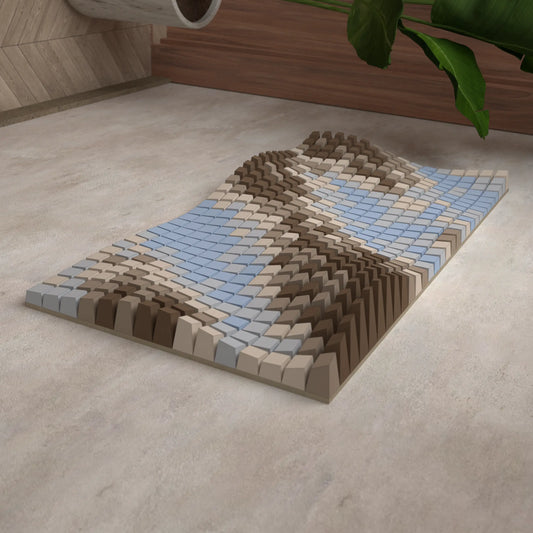
Topography Extract
SKU:003_001
3D Model for 3D printing (.stl, .step, .dwg)
DEFAULT SIZE:
1000mm ✖ 1000 mm
Tileable by Mirroring
NUMBER OF BLOCKS:
625
Couldn't load pickup availability
Description
Description
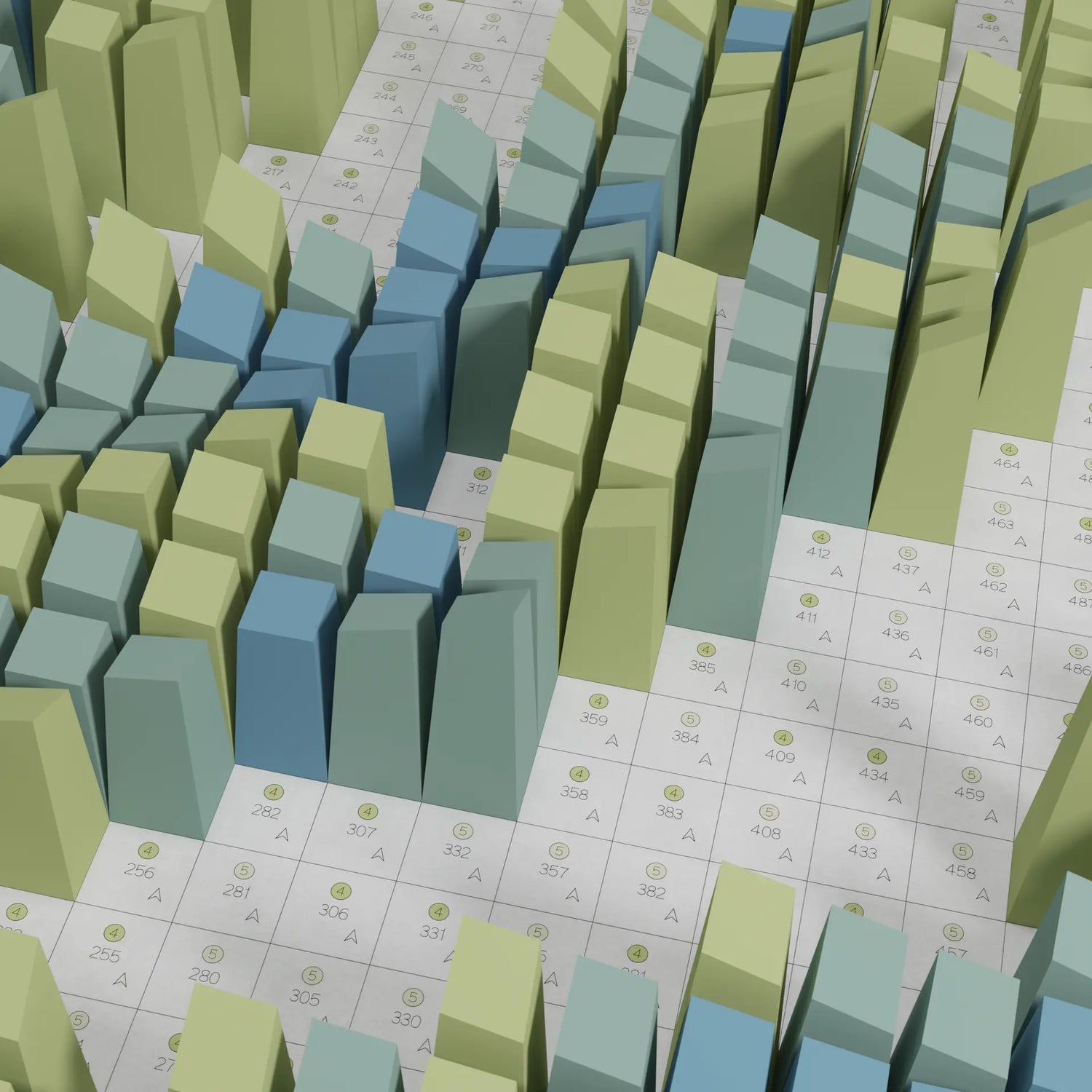
Topography Extract translates a real mountain landscape into geometric paper-folding art — each block's height mapped directly from elevation data of the terrain it represents.
This design began as a digital fabrication project for a workshop held at an organic art museum on the island of Sardinia, Italy — surrounded by genuinely astonishing mountain scenery. We were thrilled to help turn that landscape into a piece of paper-folding art.
The result is a literal topographic map you can build with your own hands — a unique way to bring a real place into your home.
Details:
- 3D model export
- Includes STL, STP and DWG files for 3D printing
Shipping
Shipping
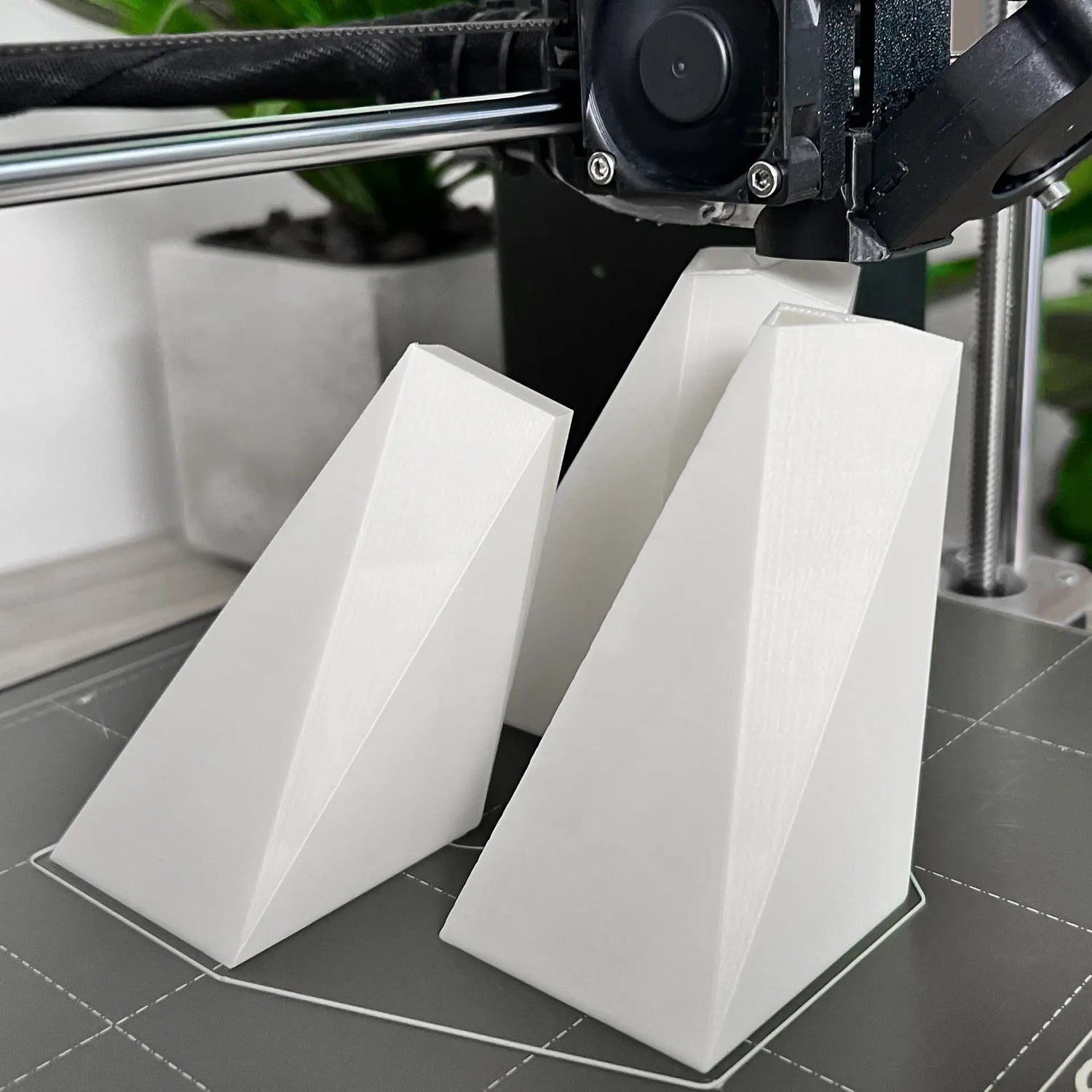
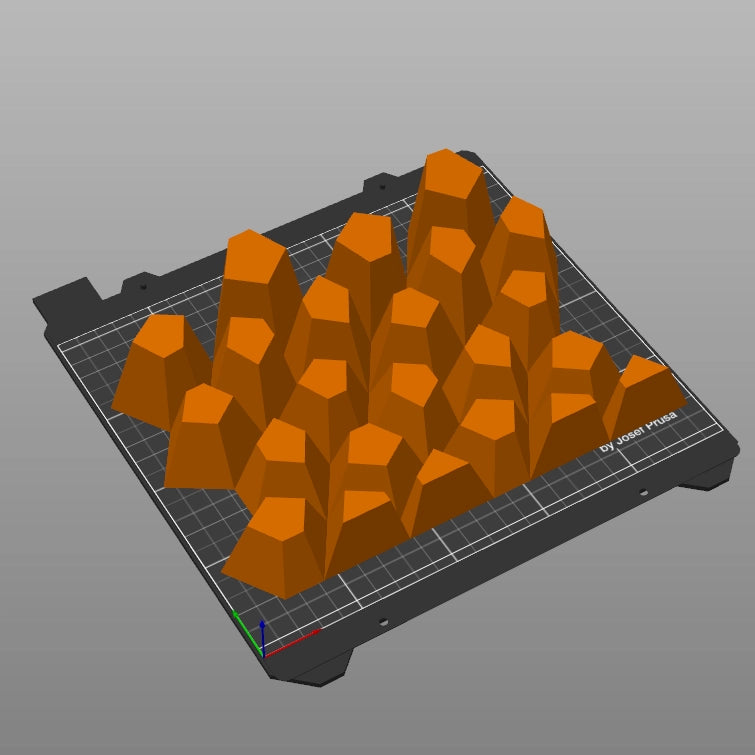

Makers' Gallery
See what was created by people just like you.
made by: Jennifer Schikora
See designs from this collection
-
3D Model
For 3D PrintingSTL • STEP • DWG
Twisted Box 01
Regular price $9.44 USDRegular priceUnit price per -
3D Model
For 3D PrintingSTL • STEP • DWG
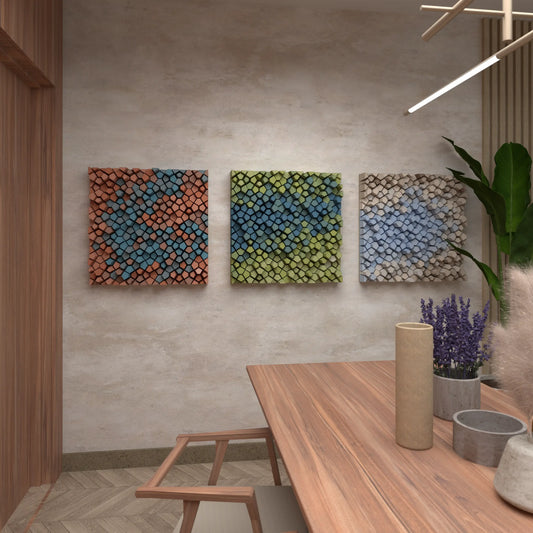
Random Pentagons (3x Colour Versions)
Regular price $9.44 USDRegular priceUnit price per -
3D Model
For 3D PrintingSTL • STEP • DWG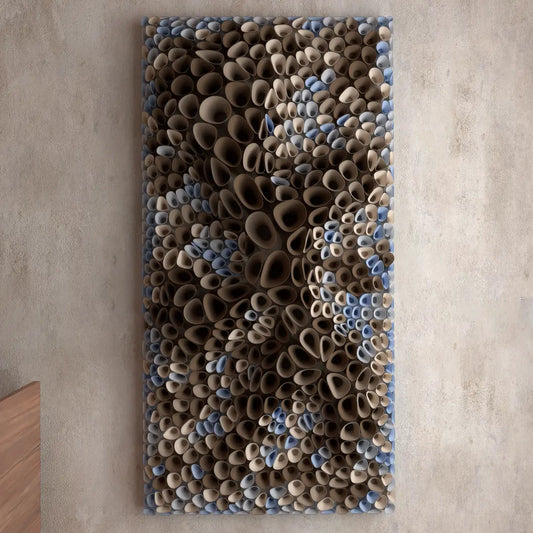
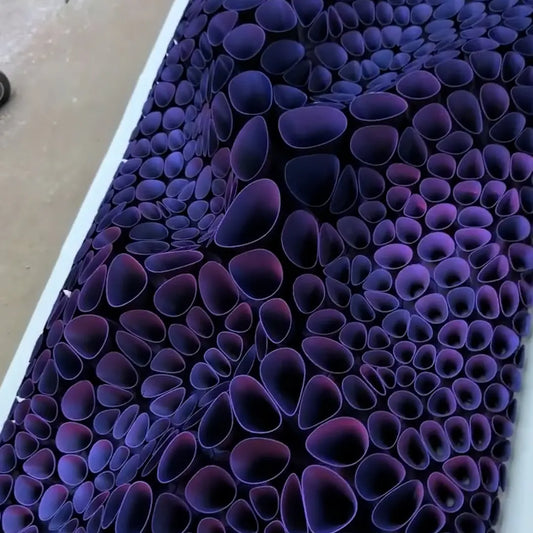
Coral Sponge 01
Regular price $18.89 USDRegular priceUnit price per -
3D Model
For 3D PrintingSTL • STEP • DWG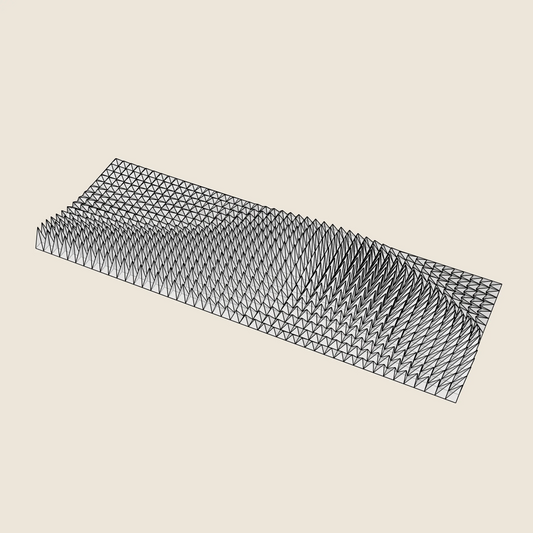
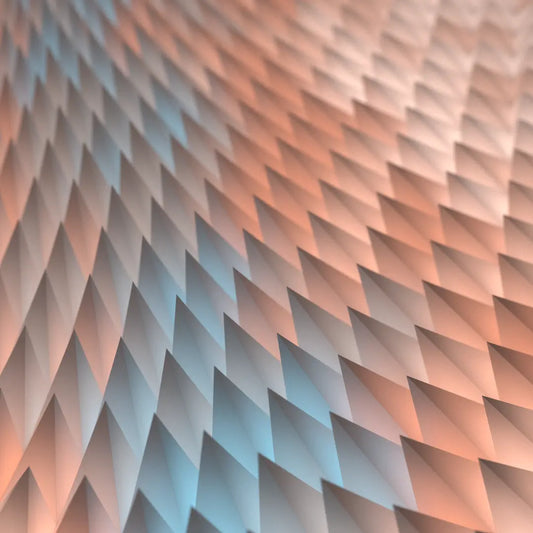
Triangle Wave
Regular price $17.00 USDRegular priceUnit price per -
3D Model
For 3D PrintingSTL • STEP • DWG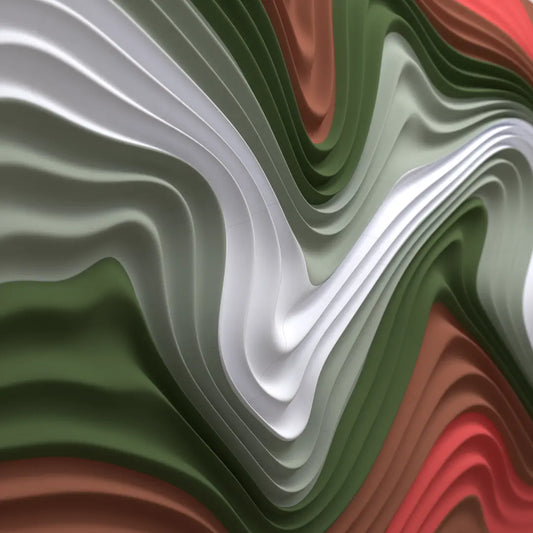
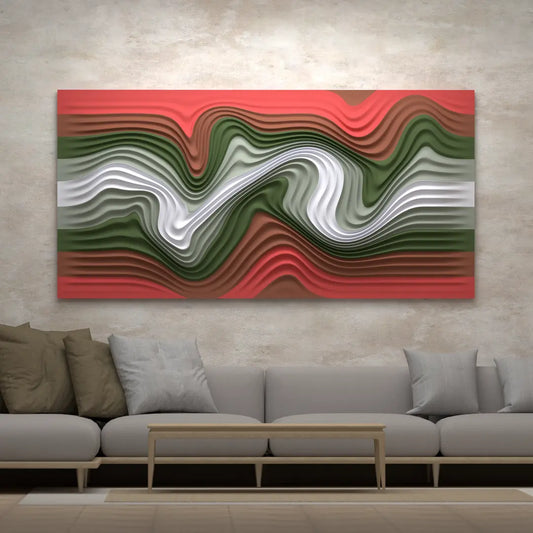
Floating Fumes
Regular price $14.17 USDRegular priceUnit price per -
3D Model
For 3D PrintingSTL • STEP • DWG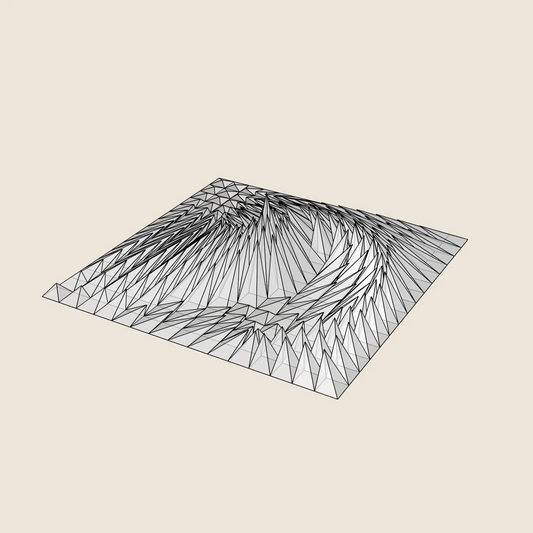
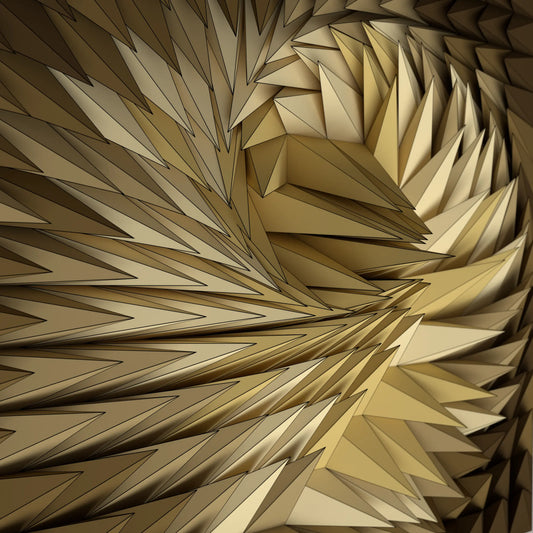
Whirl Peak
Regular price $9.44 USDRegular priceUnit price per -
3D Model
For 3D PrintingSTL • STEP • DWG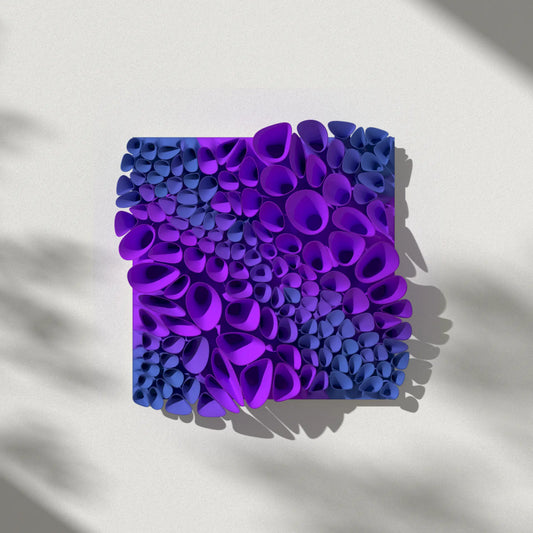
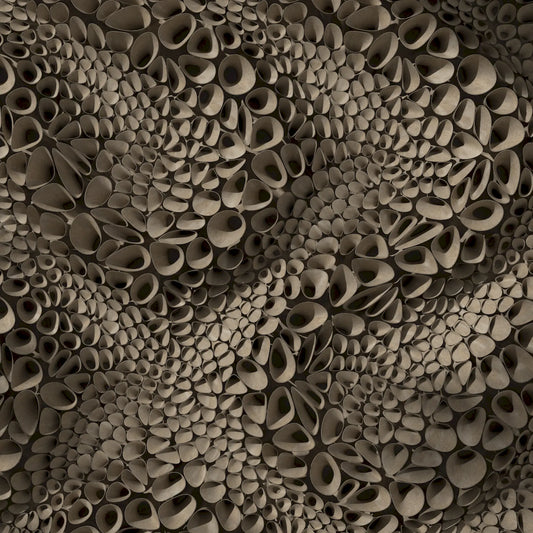
Coral Sponge 03 (tileable)
Regular price $14.17 USDRegular priceUnit price per -
3D Model
For 3D PrintingSTL • STEP • DWG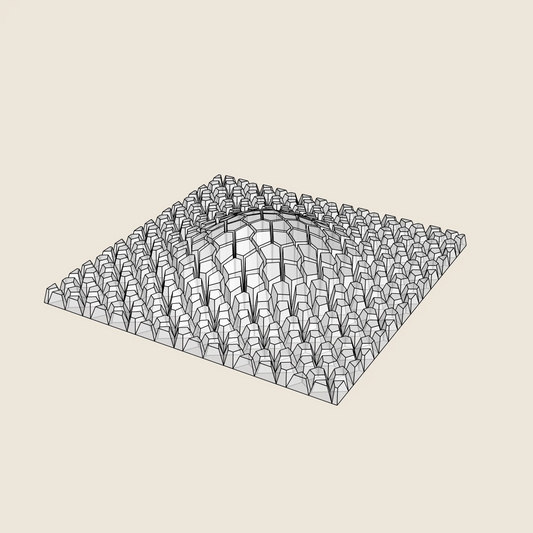
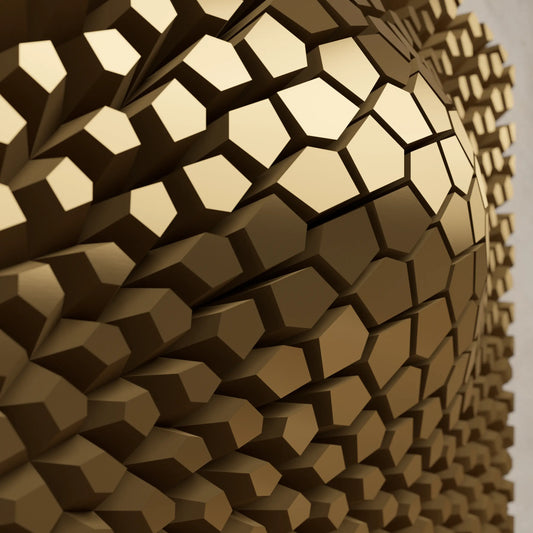
Cracked Bulge
Regular price $9.44 USDRegular priceUnit price per -
3D Model
For 3D PrintingSTL • STEP • DWG
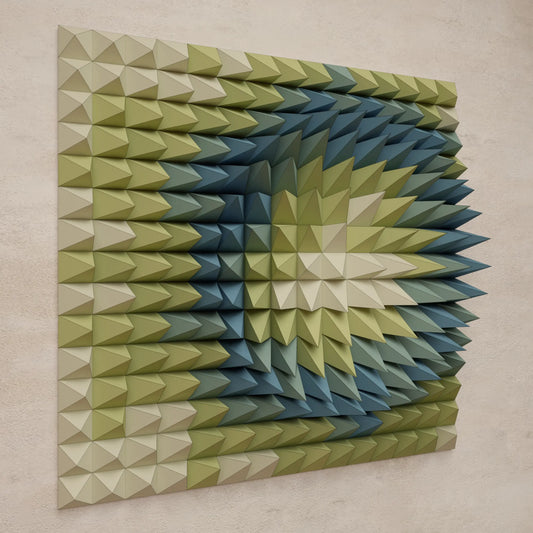
Crater Ring
Regular price $9.44 USDRegular priceUnit price per