PAQUETE DE DESCARGA DE EXPORTACIONES DE MODELOS 3D
Echemos un vistazo más de cerca a lo que contiene el paquete de descarga de la plantilla de Paragami. ¡Es bueno saber lo que obtendrá antes de realizar la compra!
Hemos tomado en consideración todos sus valiosos comentarios y hemos modificado los archivos para adaptarlos a todos. Ahora es más fácil trabajar con ellos. Complacerán tanto a quienes usan tijeras como a quienes usan plotter.
Intentamos mantener todas nuestras plantillas actualizadas. Sin embargo, las actualizaciones se realizan de forma gradual. Si su paquete no es como esperaba, comuníquese con nosotros y revisaremos el archivo lo antes posible.
NOTA: El paquete de descarga que se muestra en el video NO ESTÁ ACTUALIZADO (01/06/2023).
El PAQUETE DE DESCARGA consta de:
STL, STEP and DWG (3D) — What's the difference?
Choosing a file format
Each Paragami 3D Model comes in three file formats: STL, STEP and DWG (3D). All three contain the 3D model and can be used or edited in compatible software, but they represent the geometry differently.
• STL: Choose this for the most straightforward 3D-printing workflow.
• STEP: Choose this when you want to work with smooth CAD geometry or edit the model in compatible CAD software.
• DWG (3D): Choose this when DWG is better supported by the CAD software you use.
STL (.stl) — Mesh geometry
STL is the most widely used format for 3D printing.
The model is represented as a mesh made up of vertices and flat faces. The density of this mesh determines how accurately it represents the original shape.
A higher-resolution mesh preserves more detail but produces a larger file. If the mesh is too coarse, you may see flat facets when viewing the model close up or enlarging it significantly.
Best for: Preparing your model for 3D printing using a slicer.
STEP (.step / .stp) — CAD geometry
STEP stores the model as CAD geometry, including mathematically defined curves and surfaces. In Paragami's STEP exports, this allows smooth surfaces to be represented without fixing their appearance to a particular mesh resolution.
Think of it as the difference between a vector graphic and a bitmap: the underlying geometry remains smooth when you zoom in or scale the model, rather than revealing the individual facets of a mesh.
You can edit the geometry in compatible CAD software. Some slicers can also import STEP files directly and convert the geometry into a mesh for printing.
Best for: CAD workflows, editing model geometry, and maintaining smooth surfaces when scaling or working with the model.
DWG (3D) (.dwg) — CAD surface geometry
The DWG (3D) export provides another way to work with Paragami's CAD geometry, using NURBS-based surfaces rather than an STL-style triangular mesh.
Its main advantage over STEP is software compatibility. Some CAD applications support DWG but have limited or no support for STEP, making DWG a useful alternative.
The ability to open and edit the file depends on the software and version you use.
Best for: Working with the 3D model in compatible CAD software that supports DWG and suits your workflow.
MODELO 3D SIMPLE Y MODELO 3D NUMERADO
Two model versions
Con la última actualización, se incluyen dos versiones del modelo en el paquete de descarga: PLAIN (sin números) y NUMBERED (con números en la base.
SENCILLO
El modelo PLAIN tiene una base plana - SIN números. Es más rápido de imprimir; sin embargo, debe marcar el bloque a mano para poder ensamblar el modelo.
NUMERADO
El modelo NUMERADO tarda más tiempo en imprimirse en 3D. Sin embargo, no tendrá dificultades para ensamblarlo, ya que los bloques ya están numerados.
CÓDIGO G
NUMERADO (los números están grabados en la base).
LISO (los bloques tienen una base plana sin números)
MODELO 3D COMPLETO︱EXPORTACIÓN DE MODELO 3D
STL, STEP y DXF
Archivos que contienen el modelo completo.
IMPRESIÓN A ESCALA
Puede imprimir el modelo completo a escala.
AGRUPACIÓN
Este archivo es ideal para agrupar los bloques y exportarlos para que se ajusten al área de impresión de una impresora 3D.
AJUSTE DEL ÁREA DE IMPRESIÓN
La impresión 3D de piezas semiensambladas facilitará las cosas.
PIEZAS SEGÚN LOS COLORES︱EXPORTACIÓN DE MODELO 3D
STL, STEP y DXF
Archivos que contienen de 1 a 5 partes según los colores
STL, STEP y DXF
Estos archivos le servirán de guía fácilmente al realizar la versión a cinco colores del arte.
DIVIDIR EN OBJETO
Arrastre y suelte el archivo en el programa de laminado. Utilice la función "SPLIT TO OBJECT". Esto descompondrá el modelo en bloques individuales.
BLOQUES INDIVIDUALES | EXPORTACIÓN DE MODELO 3D
UN ARCHIVO STL POR CADA BLOQUE
Cada bloque exportado a un archivo STL independiente.
Reprint a single block:
If a block fails to print or gets damaged, find its file and print only the replacement you need.
INFORMACIÓN DEL NOMBRE DEL ARCHIVO
El número del bloque y el color se incluyen en el nombre del archivo.
This produces a similar result to importing the corresponding Colour Group file and splitting it into individual objects.
Individual block files are particularly useful when you need precise control over which blocks to print or when you only need to replace a few pieces.
DISEÑO DE PDF︱EXPORTACIÓN DE MODELO 3D
CUADRÍCULA DE DISEÑO A ESCALA REAL
La cuadrícula de diseño se incluye en el paquete. Determina dónde pertenece cada bloque. La orientación por números es sencilla.
SOLO COMO GUÍA DE DISEÑO
Qué usar como tableroEl diseño no tiene que ser impreso. Sirve principalmente como guía. Recomendamos pegar el bloque directamente en el tablero.
IMPRESIÓN
Leer másEs posible imprimir el diseño a escala real con una impresora de escritorio; solo utilice el modo "PÓSTER" y luego pegue las páginas.
DESCARGA EL ARCHIVO ZIP
¿CÓMO TRABAJAR CON UN ARCHIVO ZIP? LEER MÁSUna vez que compre la plantilla, descargará un paquete zip.
Haga clic derecho y extraiga. Hay varias carpetas en el paquete.
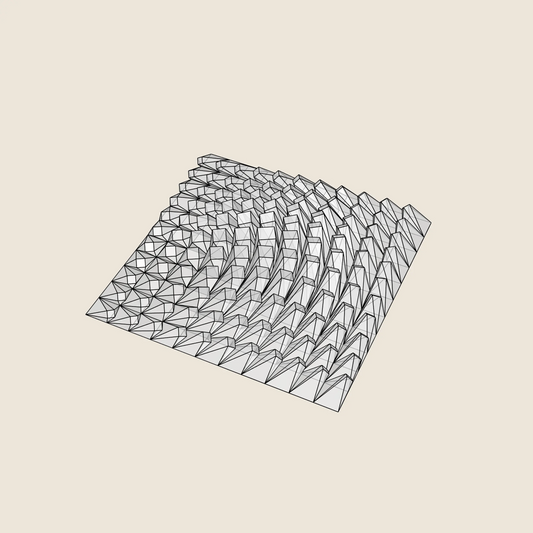
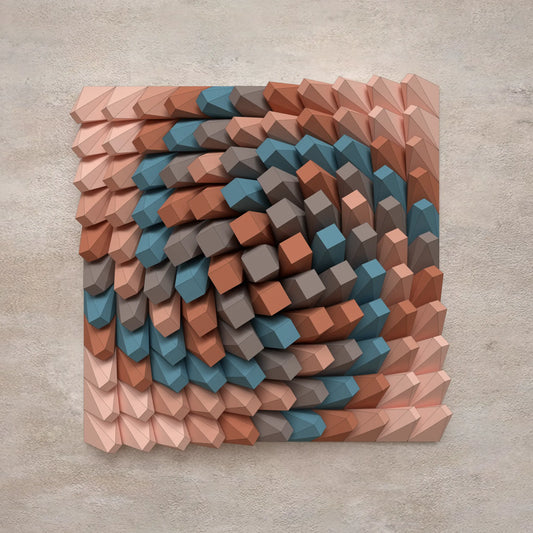
Choose your 3D Model
-
Modelo 3D
Para impresión 3DSTL • STP • DWG
-
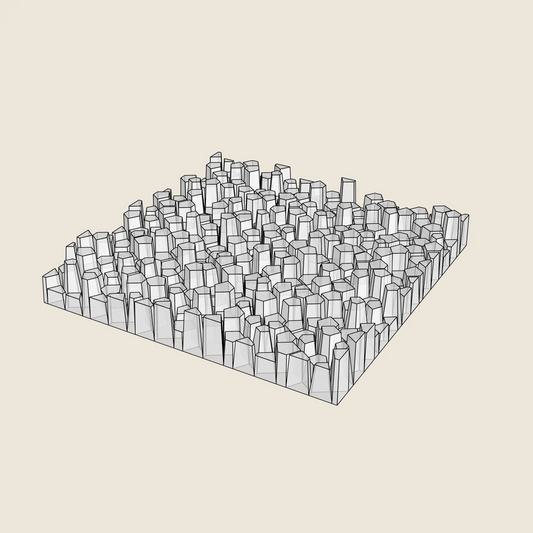
Modelo 3D
Para impresión 3DSTL • STP • DWG

-
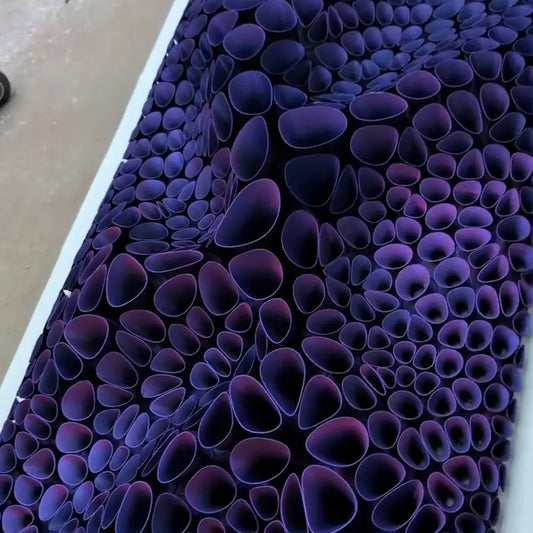
Modelo 3D
Para impresión 3DSTL • STP • DWG

-
Modelo 3D
Para impresión 3DSTL • STP • DWG

-
Modelo 3D
Para impresión 3DSTL • STP • DWG


-
Modelo 3D
Para impresión 3DSTL • STP • DWG

-
Modelo 3D
Para impresión 3DSTL • STP • DWG

-
Modelo 3D
Para impresión 3DSTL • STP • DWG

-
Modelo 3D
Para impresión 3DSTL • STP • DWG